FET Blogs


FET Blogs
31 March 2026
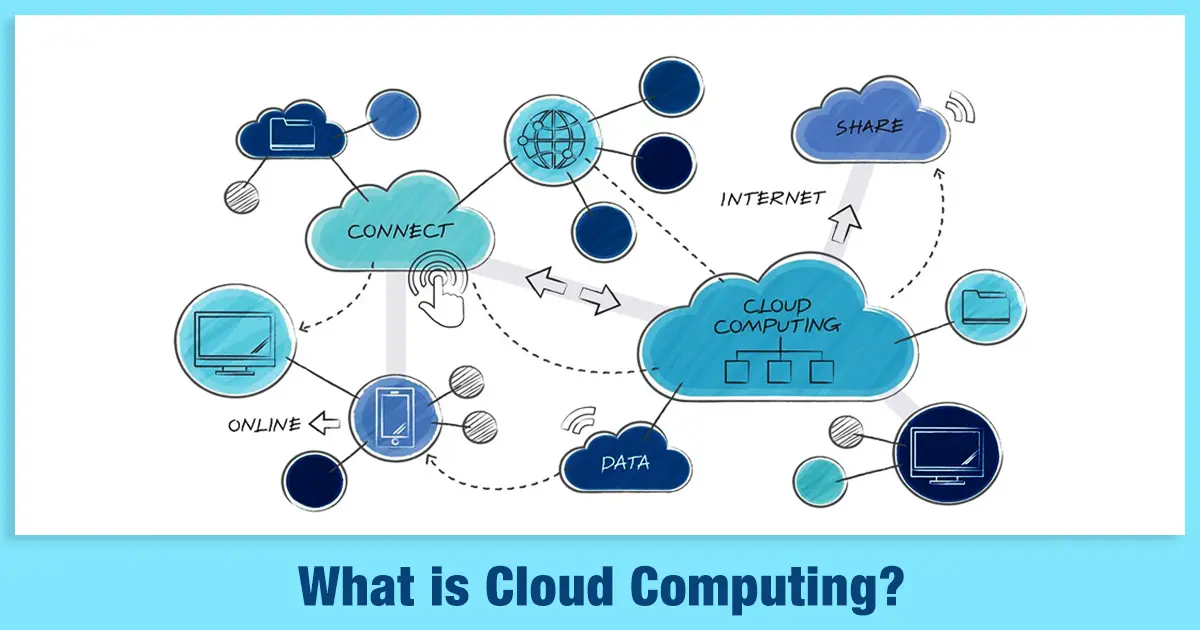
Cloud computing is a technology where users can store, operate and retrieve data and applications via the internet rather than relying on a local computer or physical server.
Cloud computing technology enables individuals and businesses to use files, software, and servers. These files are usually stored on internet-enabled devices, including computers, smartphones, tablets, and wearables.
In technology cloud computing, data and applications are stored and processed by remote cloud service providers, as opposed to the local device or internal infrastructure of the user.
This implies that any user can access their information and programs wherever and whenever he or she is connected to the internet.
Cloud computing technology has revolutionised the way organisations construct, deploy and scale the tools. Businesses do not need to invest a lot in physical infrastructure since the internet enables them to access computing resources on demand.
Cloud services are built on several core characteristics that make cloud computing flexible, efficient, and accessible. The characteristics of cloud computing are as follows:
| Characteristic | Description |
| On-Demand Self-Service | Users can quickly access computing resources such as servers, storage, and applications whenever required. This can be done automatically without direct assistance from the cloud service provider. |
| Broad Network Access | Cloud services are available over a network and can be accessed using standard devices such as laptops, smartphones, and tablets. This allows users to connect to cloud resources from different locations. |
| Resource Pooling | Cloud providers combine their computing resources to serve multiple customers using a shared environment. Resources are allocated and reallocated dynamically based on user demand. |
| Rapid Elasticity (Scalability) | Cloud resources can be increased or reduced quickly depending on usage needs. This helps businesses manage sudden increases in demand without maintaining unused resources during low-usage periods. |
| Measured Service (Pay-as-you-go Model) | Cloud platforms track and manage resource usage automatically. Users are charged only for the services they consume, ensuring transparency and cost efficiency. |
Cloud computing presents various benefits that can enable businesses to work more effectively and competitively.
Organisations can enhance productivity, lower costs, and improve service delivery by offering flexible and on-demand access to computing resources.
Some of the benefits of cloud computing are as follows:
Cloud computing saves a lot of time due to its capability to establish and maintain IT systems. Organisations can easily roll out applications and services as there is no need to set up hardware or physical equipment.
Cloud computing enables employees to access valuable data and applications in real-time, regardless of their location, with the help of their laptops, tablets, or smartphones. This keeps the team members informed at all times, and this enhances teamwork and decision-making.
Cloud computing needs very little or no initial investment. Companies do not have to buy expensive equipment, install programs, or pay high licensing fees. The majority of cloud services are based on a subscription or pay-as-you-use basis.
Cloud service providers store data in more than one data centre, enhancing reliability and backup facilities. Businesses can retrieve their data fast and resume operations with minimum downtime in case of system failures, disasters or data loss.
Cloud computing also allows organisations to scale resources based on their requirements. Depending on the demand, businesses can add or reduce storage, computing power, or services. This flexibility makes sure that companies do not pay more for the resources they utilise.
Cloud-based platforms usually have collaboration and messaging applications that aid in seamless communication between employees. Centralised systems that are available everywhere allow teams to share files, coordinate projects and align business objectives.
Cloud computing is able to enhance the financial performance of a company by cutting operational and infrastructure expenses. Businesses can now allocate resources better, since they spend less on hardware, maintenance and IT management.
Cloud service providers have advanced security mechanisms that safeguard customer data. The measures consist of encryption, data centres, and constant surveillance. This means that businesses enjoy robust security systems without the need to maintain them on their own.
Cloud service providers store information in different servers and locations. This redundancy guarantees that in case any server fails, a second server can instantly replace it. This can also reduce the risk of data getting lost and services being interrupted.
There are different types of cloud computing that provide computing resources in various ways, depending on user needs.
The different types of cloud computing have been discussed below:
| Type | Purpose | Benefits |
| Infrastructure as a Service (IaaS) | Provides virtualised computing infrastructure such as servers, storage, and networking over the internet instead of using physical hardware. | Reduces hardware costs, offers flexibility and control over systems, and allows easy scaling of resources based on demand. |
| Platform as a Service (PaaS) | Provides a cloud-based platform with tools and environments for developers to build, test, and deploy applications. | Simplifies application development, reduces infrastructure management, and improves development speed and efficiency. |
| Software as a Service (SaaS) | Delivers software applications through the internet that one can use via web browsers without installing them on local devices. | Easy access from any device, automatic updates and maintenance, and lower software management costs. |
| Function as a Service (FaaS) | Enables developers to run specific functions or code in response to events without managing servers or infrastructure. | Supports event-driven execution, automatic scaling, and cost efficiency with a pay-as-you-use model. |
Cloud Computing Architecture is the overall design of elements and technologies that facilitate the operation of cloud services.
The architecture of cloud computing encompasses the systems and infrastructure which enable users to access computing resources over the internet.
The cloud computing architecture can be broadly divided into three categories, namely, Front End, Back-End Platforms and Cloud-Based Delivery Network.
| Component | Description |
| Front End (User Interaction Layer) |
|
| Back-End Platforms (Cloud Computing Engine) |
|
| Cloud-Based Delivery and Network |
|
A cloud deployment model describes how cloud infrastructure is set up, who owns and manages it, and how users access it.
It defines the structure and boundaries of the cloud environment, including the level of customisation, resource sharing, and the main purpose of the system.
The different cloud deployment models are as follows:
| Cloud Deployment Model | Description | Advantages | Disadvantages |
| Public Cloud | A cloud infrastructure is provided over the internet by third-party providers and shared among multiple users or organisations. |
|
|
| Private Cloud | A dedicated cloud environment used exclusively by a single organisation with its own infrastructure and security controls. |
|
|
| Hybrid Cloud | A combination of public and private clouds that allows data and applications to move between both environments when needed. |
|
|
| Community Cloud | A cloud environment shared by multiple organisations with similar requirements, such as security, compliance, or industry standards. |
|
|
| Multi-Cloud | A strategy that uses multiple cloud service providers simultaneously for different services or workloads. |
|
|
Cloud computing continues to influence the way users and companies can access technology, manage data, and build digital solutions.
Cloud technology has become an integral part of our modern lives, whether it is using online services or supporting complex business operations.
Having a solid knowledge of its concepts, architecture, and benefits is therefore essential for anyone looking to build a successful career in the technology sector.
If you are interested in exploring advanced technologies such as cloud computing, artificial intelligence, and data science, pursuing a Bachelor of Technology in Computer Science and Engineering - Cloud Technology and Information Security can be the perfect starting point.
At JAIN (Deemed-to-be University) Faculty of Engineering and Technology, the programme is designed to help you develop a strong technical foundation, hands-on experience, and industry-relevant skills required to thrive in the contemporary world.
A1: Cloud computing offers benefits such as cost savings, scalability, and easy access to data from anywhere. It also reduces the need for physical hardware and allows businesses to quickly deploy applications and services.
A2: The four main types of cloud computing services are Infrastructure as a Service (IaaS), Platform as a Service (PaaS), Software as a Service (SaaS), and Function as a Service (FaaS). Each provides different levels of control and management over computing resources.
A3: Cloud computing uses technologies such as virtualisation, distributed computing, containerisation, and networking. It also relies on data centres, automation tools, and APIs to deliver scalable services over the internet.
A4: Important skills for cloud computing include knowledge of networking, programming, operating systems, security, and cloud platforms. Understanding tools like virtual machines, containers, and cloud management services is also helpful.
A5: Cloud computing is not very difficult to learn if you have basic knowledge of IT concepts such as networking and operating systems. With practice and hands-on experience on cloud platforms, beginners can gradually build their skills.
A6: Some disadvantages include security and privacy concerns, dependency on internet connectivity, and potential downtime. In some cases, limited control over infrastructure and long-term subscription costs can also be challenges.
Ask an Expert for Free